
Object storage for applications, archives and protected data
S3 stores data as objects in buckets and makes it available through an API. It is a strong fit for modern applications, backup repositories and large unstructured datasets—and can be managed through AWS CLI or an integrated S3 File Manager.
What makes an object different?
An S3 object combines the data itself, descriptive metadata and a unique key. Applications address objects through HTTP-based API operations rather than mounting a traditional disk or navigating a POSIX file system.
Buckets provide the top-level administrative boundary for access, quotas, versioning, lifecycle and retention settings.An object has three essential parts
Block, file and object are complementary
The correct choice depends on how the application expects to access and organise data.| Model | Application sees | Best suited to | Important consideration |
|---|---|---|---|
| Block | A raw volume | Virtual machines, databases and host file systems | The host owns the file system and structure. |
| File | Files and directories | User shares, collaborative workflows and applications expecting SMB/NFS | Directory and locking semantics are part of the service. |
| Object / S3 | Buckets, objects and metadata through an API | Applications, backup, archive and large unstructured datasets | Applications must use S3 semantics or an appropriate integration. |
Use S3 where its operating model adds value
A strong fit
- Backup and long-term retention repositories
- Application data accessed through an S3 API
- Archives and large unstructured datasets
- Media assets, research data and data pipelines
- Workloads that benefit from object metadata and lifecycle rules
Consider another access model
- Applications that require a raw block device
- VM datastores expecting block or supported shared-file protocols
- Workflows dependent on traditional file locking and POSIX semantics
- Frequent in-place modification of small regions inside large files
- Legacy software without S3 support or a qualified gateway
Separate client access from distributed data protection
The S3 endpoint accepts API requests and directs operations to the object layer. Applications can connect directly through the S3 API, while people can use a separate S3 File Manager with its own authentication and user interface.
This is the normal API path for automated systems and existing S3 integrations.
As with services such as AWS or Wasabi, users can create and manage buckets, upload and download files, organise objects and use sharing functions according to their permissions.
Use AWS CLI with the private S3 endpoint
Point AWS CLI to the service URL and use the access and secret keys issued by the platform. Familiar commands such as ls, cp and sync can then address private S3 storage without sending the data path through AWS.aws --endpoint-url https://s3.example.com s3 ls
Versioning, Object Lock and backup are not the same
Each control addresses a different risk. A robust design usually combines several layers.Control buckets, users and retention graphically
Routine administration does not have to depend on S3 command-line tools. A graphical service console can create users and buckets, issue access keys, apply quotas and configure WORM, policies, CORS, lifecycle rules and access logging.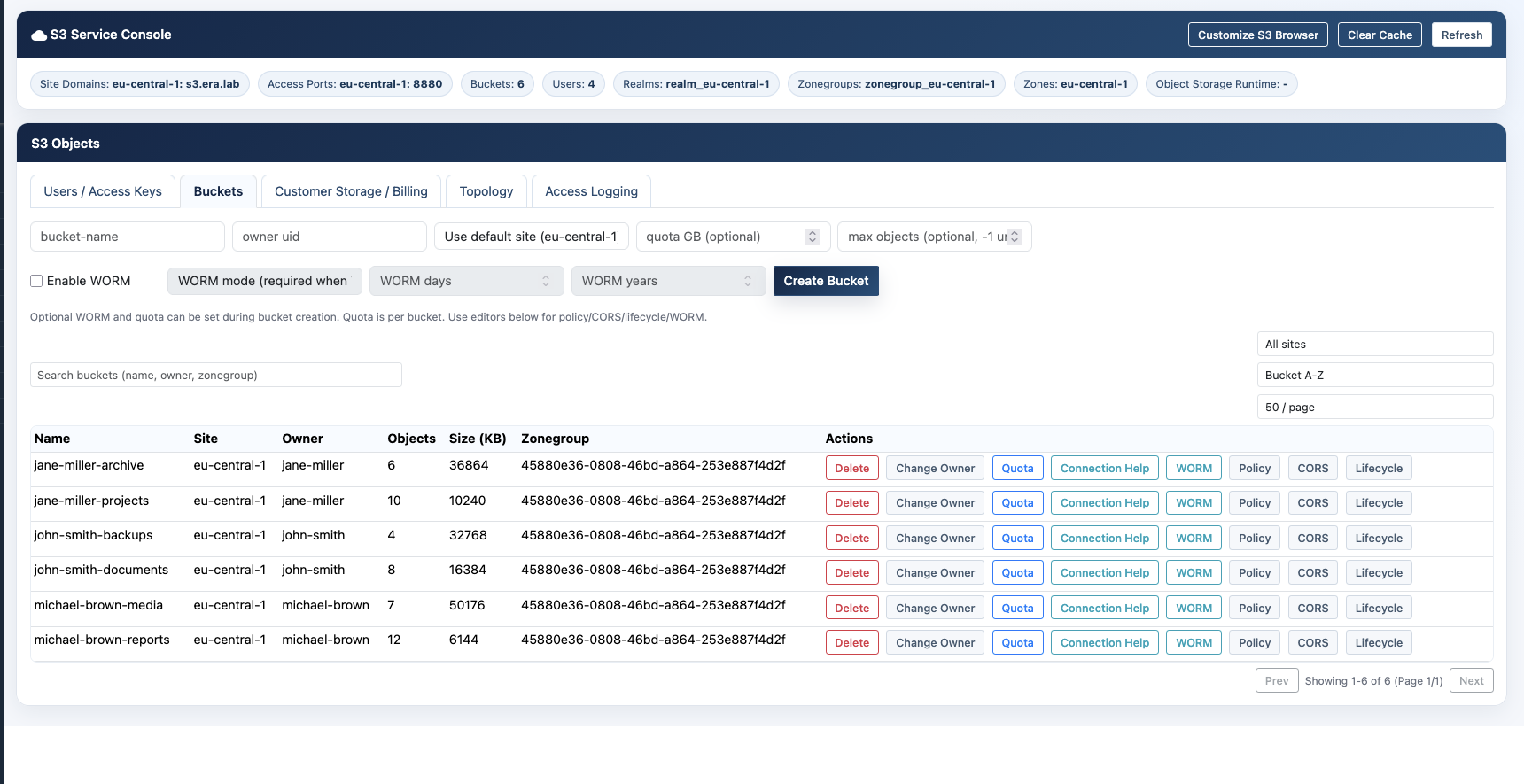 Bucket administration in the eEKAS service consoleThe interface brings common S3 governance tasks into one operational view.
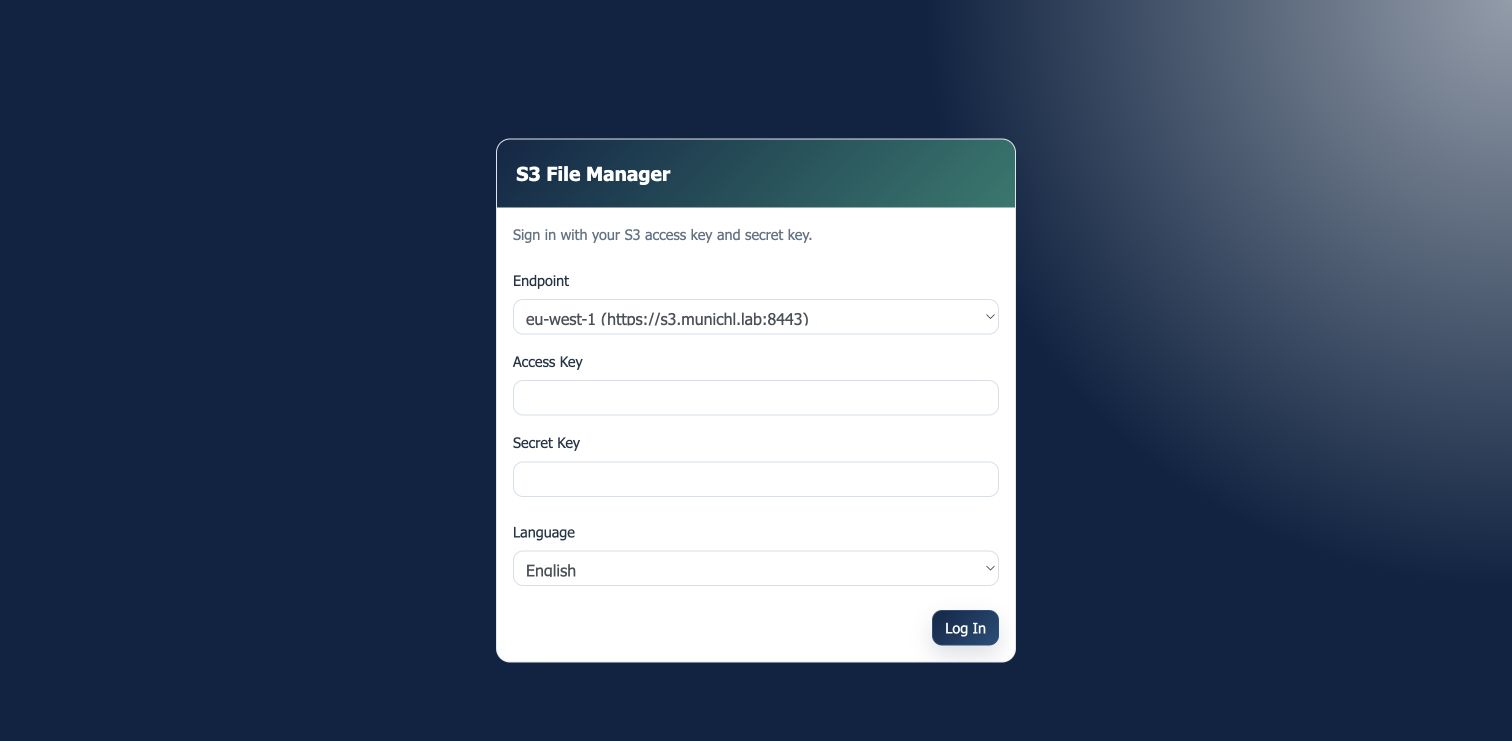 Integrated end-user S3 File ManagerBrowser-based access to buckets and objects without a separate S3 client.
S3 access for people—not only applications
Many object-storage products expose an S3 API and an administrator console but leave end users dependent on third-party software. eEKAS includes a browser-based S3 File Manager so authorised users can work with their own buckets through a familiar interface. No command-line knowledge or locally installed S3 client is required for everyday object access.- Create buckets and folders
- Upload, download, rename, copy, move and delete objects
- Download folders as ZIP archives
- Create presigned links and controlled public URLs
- Review object details and available versions
- Manage bucket versioning, WORM, lifecycle and quota options
Where enterprise S3 delivers practical value
Premium, HA Cluster and eEKAS address different S3 requirements
All three platforms can provide S3 access and an S3 File Manager, but they use different storage architectures and offer different quota and billing capabilities.| Platform | Architecture | Quota options | S3 File Manager | Billing functions | Recommended use |
|---|---|---|---|---|---|
| euroNAS Premium | Single-server Storage OS | Bucket-count quota | Included | Not included | Standalone or internal S3 services with straightforward requirements |
| euroNAS HA Cluster | High-availability storage pair | Bucket-count quota | Included | Not included | Internal S3 services that require storage high availability |
| eEKAS | Ceph-based distributed scale-out cluster | Storage-capacity and bucket-count quotas | Included | Usage collection and billing export | Scale-out enterprise S3 and customer-facing MSP or cloud-provider services |
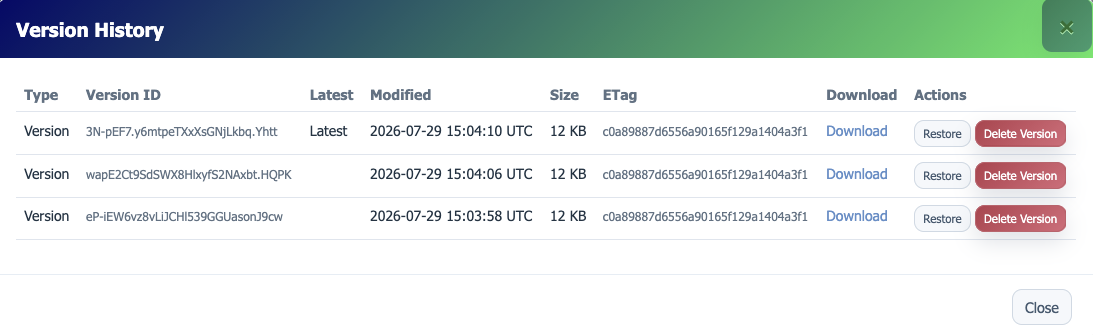 Object version historyInspect, download or restore an earlier object version.
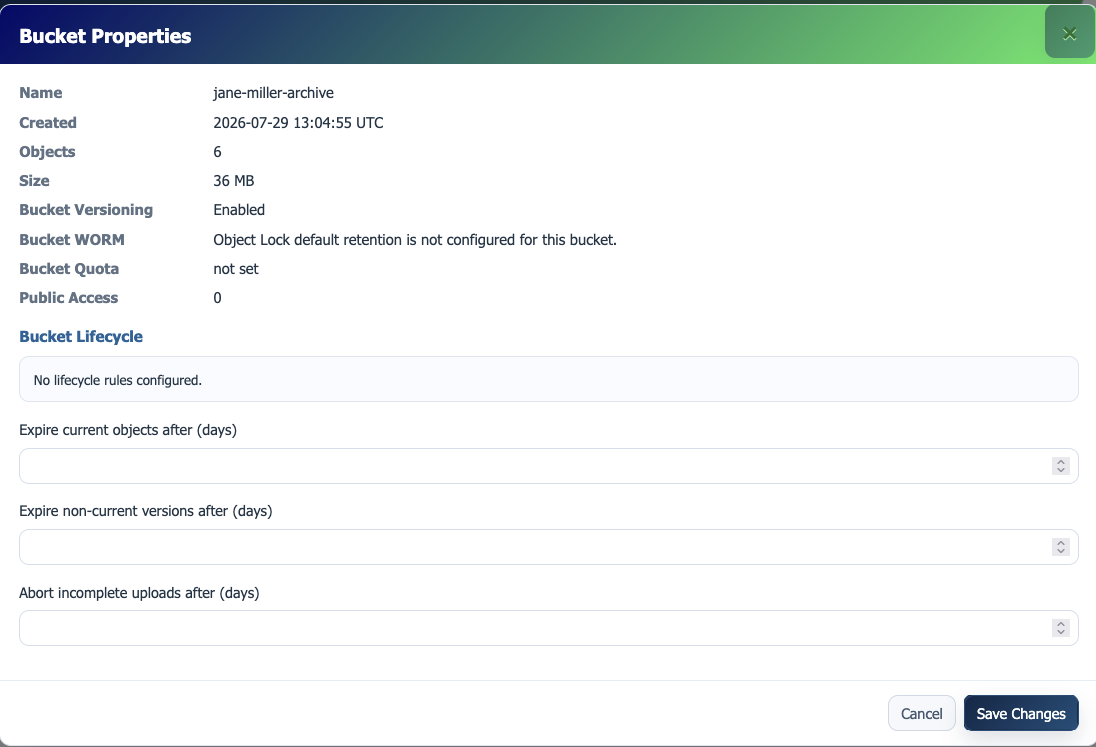 Bucket propertiesReview versioning, WORM, quota, public access and lifecycle state.