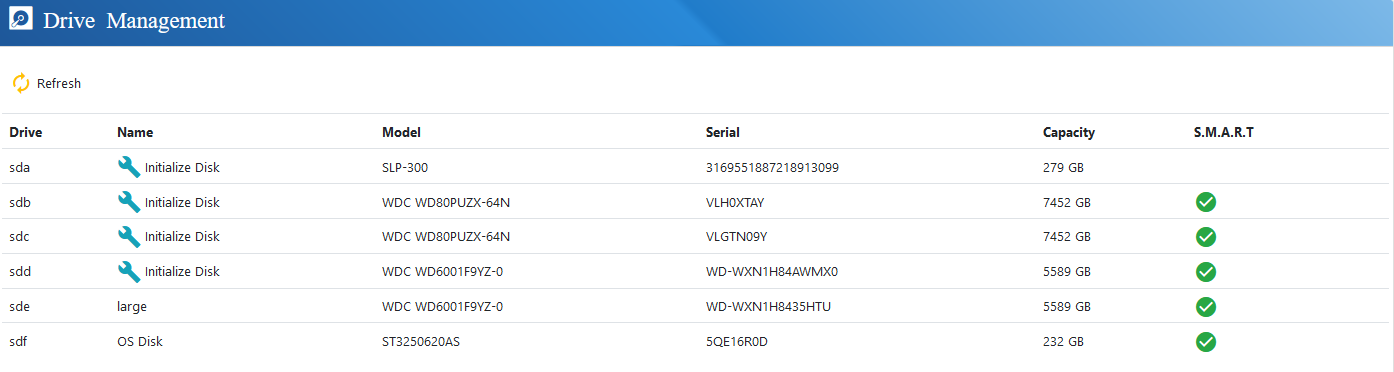
Drive Management
InWithin the driveDrive managementManagement youscreen, administrators can seeview all your physical drivesstorage devices currently detected by the system and initializeprepare them for the use withwithin the serverserver.
euroNAS Softwaresoftware supports SATA, SAS, SSD, NVMeNVMe, and Fibre Channel Drivesdrives.
Before a drive can be used withby the serversystem, it must first be initializedinitialised. first.Administrators Pleaseshould make sureensure that there is no important data exists on thisthe selected drive prior initializationto sinceinitialisation, as this process will permanently erase all existing data on thisthe device.
Once initialised, the drive willcan then be deleted.
Afterfor the initializationcreation you can use this drive for creatingof Cluster Drives and Virtual DrivesDrives.